
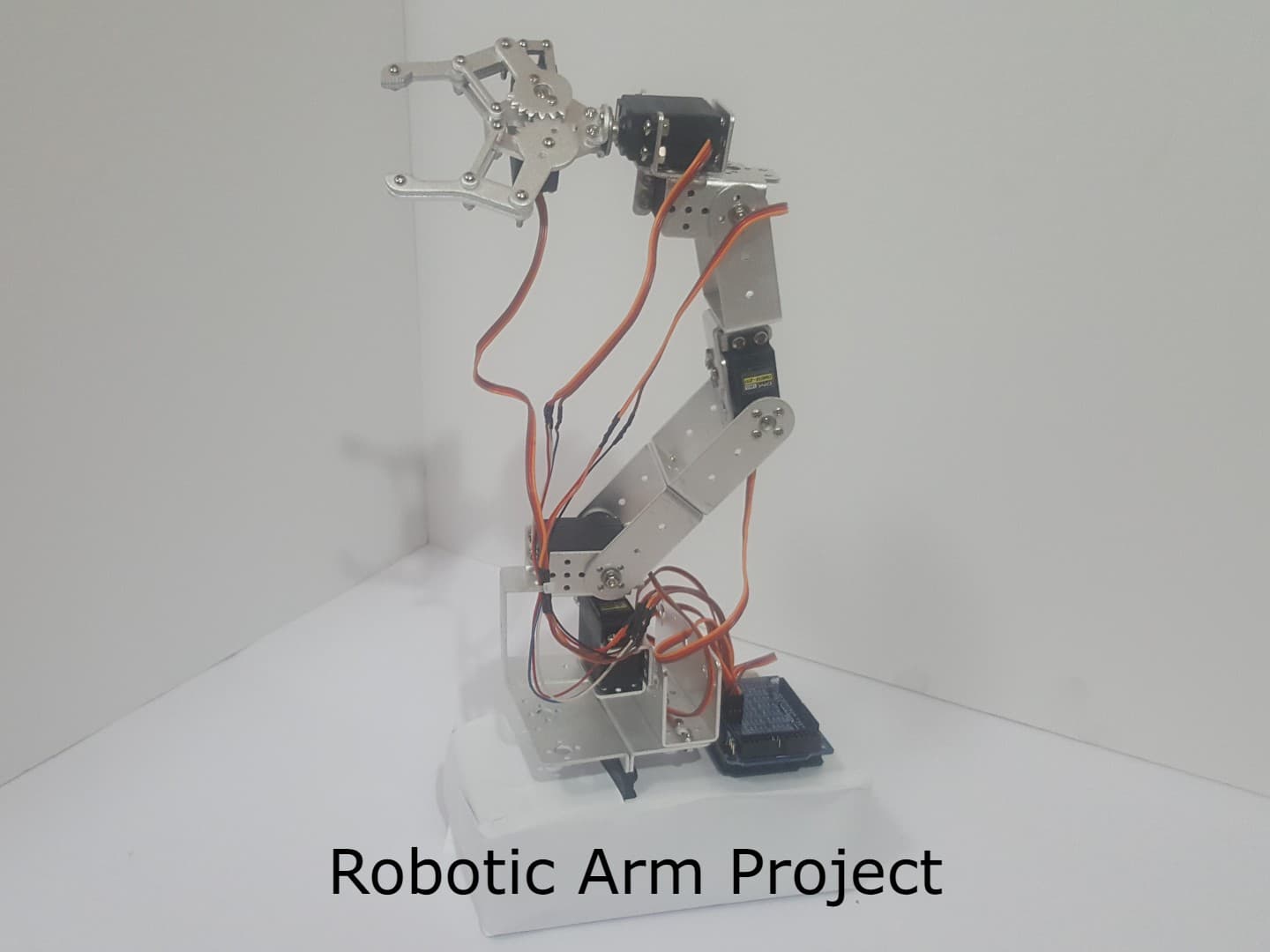
Servo going in the wrong direction + power questions
Hey everyone, got the kit fully assembled but servo 0 and servo 3 are rotating in the opposite direction compared to what the control software expects. The arm goes up when I tell it to go down. Has anyone run into this? Using the DMS15-270 motors as recommended.
Hi Mike! This is a very common issue. The direction depends on which side of the bracket the motor is mounted on. The control software was calibrated with motors facing a specific direction. The easiest fix is to open the control software and invert the direction for those specific servos in the settings panel.
I had the exact same issue on servo 2 and 4. Also — did anyone have to extend the motor cables? The 3-wire cables on my DMS15-270 were too short to reach the ground when the arm was fully stretched. I had to splice in about 15cm of extra wire.
Thanks both! The invert fix worked perfectly. And yes Sara, I had to extend cables on motors 2 and 3 too. One more question — my XL4015 BUCK converter is running quite warm. Is that normal? I have it set to 5.1V output.
Running warm is completely expected when driving 6 servos simultaneously. The XL4015 is highly efficient (~90%) but you're still pushing up to 3-4A peak. Make sure you measured the output voltage precisely with a multimeter before connecting servos — even 5.3V can damage them over time. Also give the converter some airflow if possible.
Just finished the whole build! Calibration took me about 45 minutes following the video carefully. Had to tape the base to a literal brick like the instructions say lol — but it works perfectly now. The arm holds its position really well. Highly recommend this project for anyone getting into robotics. The .NET control software is surprisingly polished!
Leave a reply
You must be signed in to reply