
SD card not initializing + login issues
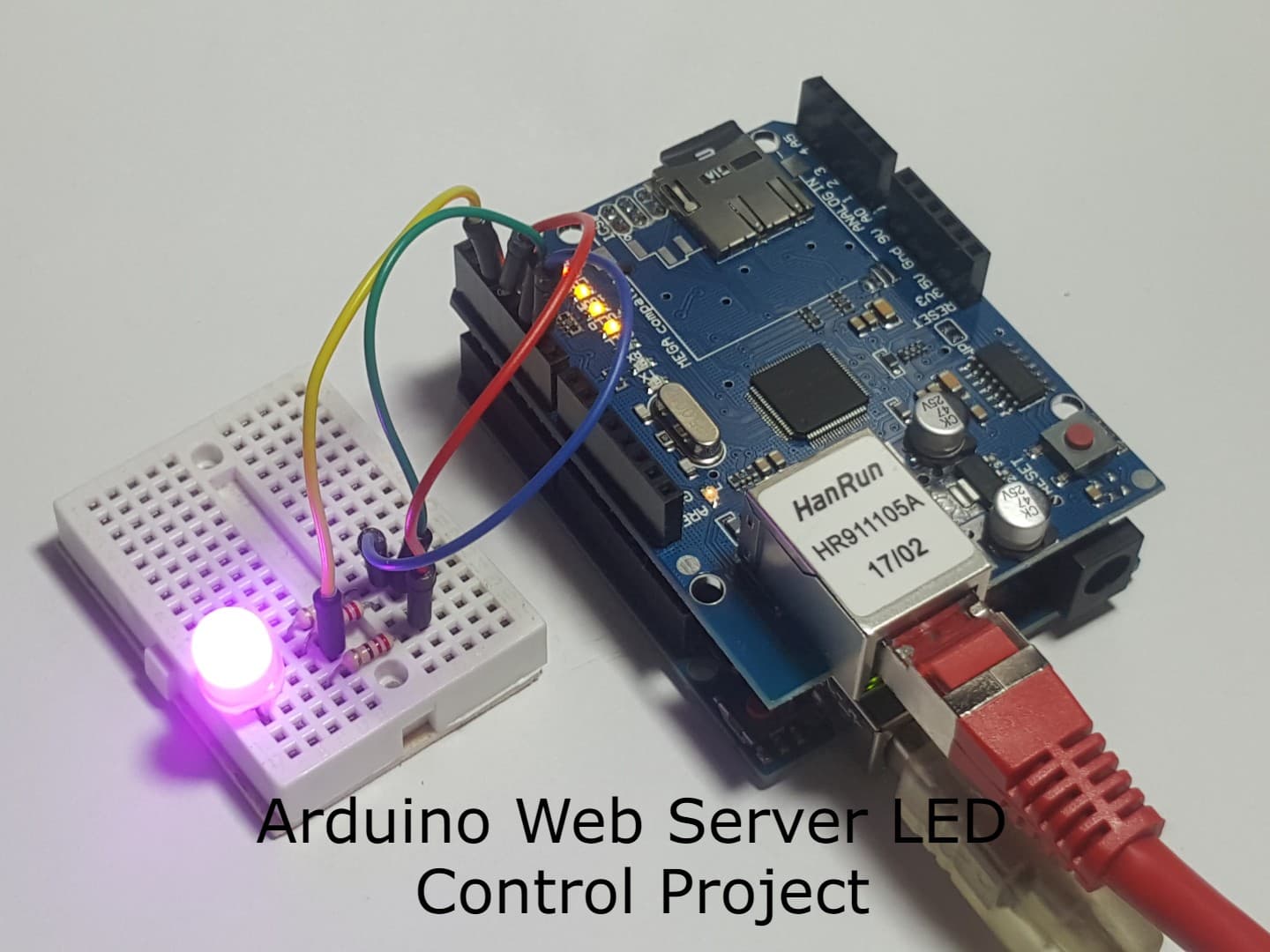
Hi all. I'm stuck at the very first hurdle — Serial monitor keeps printing 'ERROR - SD card initialization failed!' every single time. I've tried 3 different SD cards. The Ethernet shield is definitely seated correctly on the Arduino.
First thing to check: make sure the SD card is formatted as FAT32, not exFAT or NTFS. Also the filenames must be lowercase — login.htm, not Login.htm or LOGIN.HTM. The SD library on Arduino is case-sensitive and only supports 8.3 filenames.
I had exactly this problem too. In my case it was the SD card size — I was using a 64GB card. The W5100 Ethernet shield has issues with anything above 16GB. Switched to an old 4GB card I had lying around and it initialised on first boot. Worth trying a smaller card.
Dimitri you absolute legend — that was it. Switched to an 8GB FAT32 card and it initialised instantly. New problem though: the login page loads fine but even with the correct username 'root' and password '1234' it keeps returning 401 Unauthorized.
The HTTP request string the Arduino parses is exactly 'user=root&pass=1234' — no spaces, no capital letters. This is assembled by the JavaScript fetch() call in login.htm. Open your browser's developer tools (F12 → Network tab), click Login, and check the exact request being sent. Most likely there's a trailing space or the fetch URL is slightly wrong.
Leave a reply
You must be signed in to reply